Get Paid to Record Everyday Tasks: The Complete Guide to Egocentric Video Jobs
Robotics labs are buying millions of hours of first-person video of people cooking, cleaning, driving and working. This is how the work is briefed, filmed, approved and paid.
Egocentric video jobs pay people to record everyday tasks, cooking, cleaning, driving, trade work, from their own point of view, on a phone or a shipped camera, for AI and robotics labs building models on human demonstration data. We run one such program, paying $6 to $15+ per approved hour, with the rate shown before you record.
Key numbers
Claru reports 500K+ egocentric videos captured for a world-modeling lab (Claru, claru.ai).
Micro1 runs roughly 4,000 contributors across 71 countries producing more than 160,000 hours of video a month, per RemoWork's 2026 platform roundup.
Our AI Trainers program pays $6 to $15+ per approved hour, with the rate shown in the brief before you accept.
Atlas Capture lists per-clip task pay, for example "Fold laundry, standing, $4.20, 4 to 6 min" (Atlas Capture, atlascapture.io); RemoWork's 2026 review puts its effective base near 10 cents a minute of footage.
Across the platforms RemoWork tracked in 2026, effective rates for first-person video work cluster roughly $3 to $9 per approved hour, with some programs, including ours, sitting outside that band for higher-complexity tasks.
What counts as an "egocentric video job"
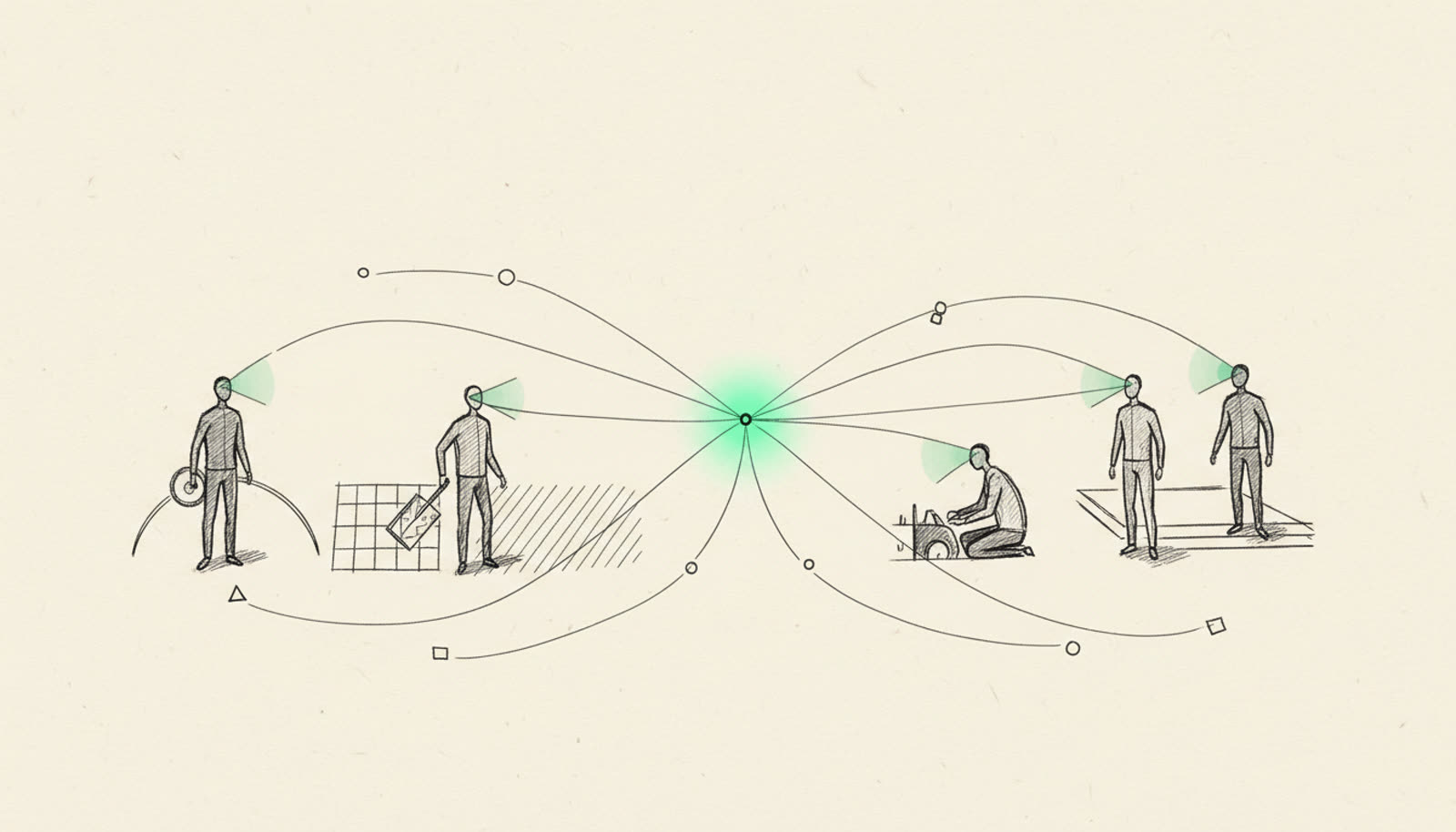
The term describes camera position, not content. A head-mounted or chest-mounted camera captures a task the way the person doing it actually sees it: hands, tools, counters, dashboards, from the wearer's eye line rather than a fixed tripod across the room. Labs building world models and robot manipulation policies need exactly that vantage point, because it shows how a human hand approaches a doorknob, a dish, a steering wheel, in a way a third-person shot does not.
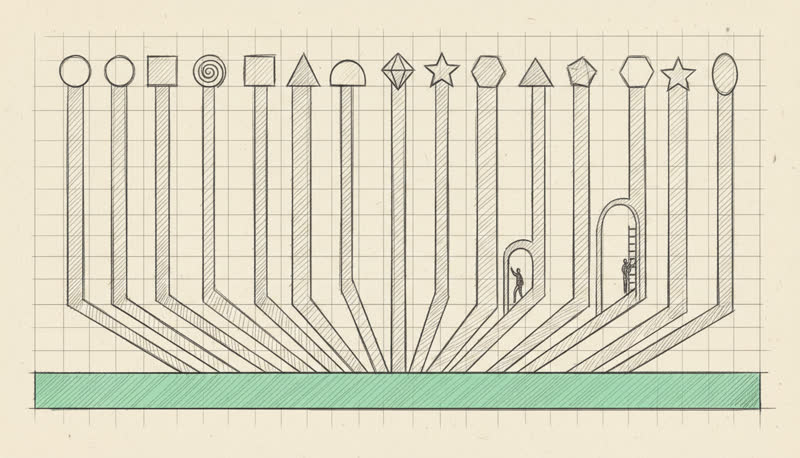
The task list published across the platforms in this space is broad. Our own AI Trainers program lists cooking, cleaning, laundry, dishes, grocery shopping, driving, childcare, pet care, gardening, retail and cashier work, warehouse and packing, assembly and repair, trades (electrical, plumbing, carpentry), office and computer work, cafe and restaurant work, commercial cleaning, and caregiving. Claru's site describes covering "egocentric video, game environments, driving, cinematic, manufacturing, cooking." None of it is staged for a studio. The instruction, repeated on more than one brief, is close to identical: do the task the way you actually do it, at home, in your car, at your job, not acting it out.
Three kinds of buyers show up across the public material. Robotics and humanoid labs need first-person demonstration data to teach manipulation and navigation, which RemoWork's 2026 roundup names as a buyer category (citing 1X, Figure and Tesla as the type of company in the market for this footage). World-modeling labs, the kind Claru serves, need large volumes of everyday human activity to train models that predict how physical scenes unfold. And general AI training platforms package this work alongside text and audio annotation, treating video collection as one line item in a broader human-data business.
Our own framing is direct about the arrangement: we contract with large AI and robotics labs, and most projects run under NDA, so the client is named in the brief a trainer receives, not on our public sign-up page. That is standard across this category. Platforms disclose the buyer category (robotics, world models, general AI training) and keep individual client names out of marketing, because the labs themselves are not publishing who they buy data from.
How a brief runs from task to payout
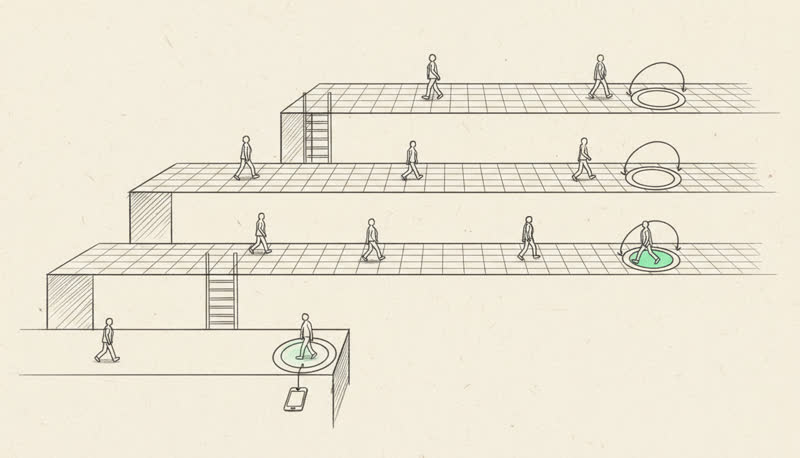
The work is briefed, filmed, reviewed and paid in a fixed sequence, and every platform in this space runs some version of it. We state it plainly on our own AI Trainers program: sign up, get matched with jobs, make money. Underneath that top line sits a longer chain of specifics that decide whether footage gets accepted at all.
Every field in that bottom box exists because it is the difference between footage a lab can use for training and footage that gets rejected. We state the standard directly: an approved hour is footage that follows the brief, the task is real, the camera is steady and well lit, the whole task is visible, and there is no idle time padding it out, and trainers are told exactly what was accepted and why.
What gets footage approved
Across the platforms cited in this guide, the rejection reasons are consistent enough to list as a single standard.
Steady camera. Shake, sudden turns, and a camera that swings away from the task mid-motion are the most common reason clips fail review.
The whole task visible. If a hand or tool moves out of frame for a meaningful stretch, the clip is incomplete for the lab's purposes, even if the footage looks fine on its own.
A real task, not a demonstration of one. Reviewers can tell the difference between someone actually cooking dinner and someone performing "cooking" for the camera. Real pace, real mistakes, and real pauses are what the labs are paying for.
No idle padding. A brief filled with stretches of walking to get supplies or standing around is not what gets paid at the full rate; the task itself needs to fill the time.
Good light. Footage that is too dark to see hands and objects clearly fails review regardless of how well the task was performed.
The device floor repeats across nearly every brief in this category: an iPhone 12, a Pixel 6, a Galaxy S21, or anything newer. RemoWork's 2026 roundup notes this requirement showing up across several platforms' briefs, and we state the same floor on our own sign-up page. A phone at or above that generation has the stabilization and low-light performance labs are checking for when footage gets reviewed.
Mount choice depends on the task:
A head strap keeps the camera at eye level and tracks where you look, which suits tasks where hand-eye coordination matters, like cooking or assembly. RemoWork's review of Perle's Project Pretzel work notes a head-strap budget as part of that project's setup.
A chest mount sits lower and steadier, which suits tasks with a lot of walking or bending, like cleaning, warehouse work, or gardening, where a head mount would introduce more motion than the footage needs.
For some projects, a platform ships a camera and mount and takes it back afterward, which removes the device question entirely. We do this too, for select projects: we ship the camera and mount free of charge, and the trainer sends it back once filming wraps.
Rates vary by platform, by whether pay is structured per clip or per approved hour, and by task complexity. The table below uses only the published figures and cited estimates available for each platform; where a source did not report a number, that cell says so rather than guessing.
Platform
Pay basis
Rate as published or estimated
Payout method
Recruitmint AI Trainers
Per approved hour
$6 to $15+ per hour, task-dependent, shown in the brief before acceptance
Bank transfer, Wise, Payoneer, PayPal
Atlas Capture
Per clip / per minute of footage
Example clips at $3.80 to $4.20 per 3 to 6 minute task; RemoWork estimates a base near 10 cents a minute, with a Tier 3 rate around 27 cents a minute
Wise or crypto, $20 minimum, biweekly
Claru
Per accepted hour
RemoWork's 2026 estimate puts this near $6 an hour of accepted footage
Not published in the cited sources
Perle (Project Pretzel)
Per approved hour
RemoWork's 2026 estimate puts this near $9 an hour, with a head-strap budget included
Not published in the cited sources
OpenTrain
Per approved hour (video collection); hourly (expert evaluation roles)
RemoWork's 2026 estimate puts video collection near $6 an hour; OpenTrain's own listings show expert evaluation roles at $30 to $100 an hour
Not published in the cited sources
Mindrift
Hourly, by project complexity
$15 to $100+ an hour advertised; entry-level listed at $15 to $30 an hour
Not published in the cited sources
A few things follow from that table. Our own floor sits above the $3 to $9 band RemoWork found typical across several platforms, and our rate is disclosed before you accept a brief rather than discovered after upload. Atlas Capture's structure is per clip rather than per hour, so the effective hourly rate depends heavily on how long each clip actually takes to shoot, and RemoWork's review notes contributors spending 30 to 45 minutes producing a clip under two minutes long, which changes the real return per hour of effort considerably from the headline per-clip number.
This work fits a specific profile well. If you already spend time cooking, cleaning, doing yard work, driving, or working a trade, and you have a recent phone or are willing to use a shipped camera, the marginal cost of recording is close to zero because you are already doing the task. It fits people who want a few hours a week of flexible income rather than a schedule, since we let trainers choose which projects to accept and most trainers put in five to twenty hours a week.
It does not fit as well if your living situation makes filming a genuine problem. Every platform in this category requires a place you can legally film where everyone who might appear on camera is comfortable with it; if that is not true of your home, car, or workplace, most tasks on the list are off the table until it is. It also does not suit anyone who needs guaranteed income. Trainers are independent contractors, matched to projects as labs need them, with no fixed hours and no employment contract, which is the same structure Mindrift describes for its own trainer network.
iPhone 12, Pixel 6, Galaxy S21 or newer, or a camera shipped to you
This is the device floor stated across nearly every brief in this category
Mount
Head strap for hand-eye tasks, chest mount for walking or bending tasks
Camera position affects stability and what the lab can actually use
Space and consent
A place you can legally film, where everyone who might appear is comfortable with it
This is a stated requirement on every platform covered here
Light
Enough light to see hands and objects clearly through the whole task
Dark footage fails review regardless of task quality
The brief itself
You have read the task, length, environment, mount, and rate before you start
The rate is shown before you accept; there is no reason to record before confirming it
Upload capacity
Reliable internet for a few gigabytes a week
Video files are large, and unreliable uploads delay review and payout
Privacy and consent, plainly
Faces are optional on most projects. We let trainers tell us up front if they would rather stay out of frame, and footage is licensed to the lab for training its models, not posted anywhere public. That licensing detail matters: the recording exists to teach a model what a task looks like, not to appear anywhere a person you know would see it.
Household consent is a stated requirement, not a suggestion. If you are filming in a shared kitchen, a family car, or a workplace, the requirement is that everyone who might appear on camera is comfortable with it, which in practice means a short conversation before you start rather than an assumption. If you decide the arrangement is not for you after signing up, you can withdraw by emailing us, and we delete the profile.
The short version
Egocentric video work pays people to record tasks they already do, from their own point of view, for AI and robotics labs building models on human demonstration data. Our AI Trainers program pays $6 to $15+ per approved hour, shown in the brief before you accept, on a recent phone or a shipped camera; other platforms in the category run roughly $3 to $9 an hour or per-clip rates, with a smaller set of expert-evaluation roles reaching well above that. What separates an approved clip from a rejected one is consistent across the category: a steady camera, the whole task visible, real activity with no padding, and good light. If your day already includes cooking, cleaning, driving, trade work, or retail, and you have a place you can film where everyone in frame is comfortable with it, the barrier to starting is low. The AI Trainers sign-up page walks through the five-step form that starts the matching process.
FAQ
How much can you actually make recording everyday tasks?
Rates depend on the task and the platform. Our AI Trainers program pays $6 to $15+ per approved hour, with simple household tasks at the lower end and skilled or equipment-heavy tasks paying more, and the rate is shown in the brief before you accept. Other platforms tracked by RemoWork's 2026 roundup run effective rates roughly $3 to $9 per approved hour, with some expert-evaluation roles on platforms like Mindrift and OpenTrain reaching $15 to $100 an hour for specialized work.
Do I need special equipment, or does my phone work?
A recent phone is enough for most projects. The device floor repeated across briefs in this category is an iPhone 12, Pixel 6, Galaxy S21, or newer, paired with a simple head or chest mount. For some projects a platform ships a camera and mount at no cost and takes it back once filming is done, which removes the equipment question entirely.
Do I have to show my face on camera?
No, not on most projects. Faces are optional, and you can say up front that you would rather stay out of frame. What matters for review is that the task itself, hands and objects, is clearly visible and steady, not that your face appears.
What happens to the footage after I upload it?
It gets reviewed against the brief, you are told what was accepted and why, and approved hours get paid on the schedule the platform states. The footage itself is licensed to the lab for training its models and is not posted publicly. You know what a project is for before you record, since the task and its purpose are part of the brief.
Is this real work, or is it a scam?
The category is real: robotics and AI labs genuinely buy this footage, and platforms including Claru, Atlas Capture, Perle, OpenTrain and Mindrift, along with our own AI Trainers program, publish task lists, pay structures, and payout methods. As with any paid gig work, the signals worth checking are whether the rate is disclosed before you record, whether payout methods are named, and whether the platform states what happens to your footage afterward. A dedicated breakdown of these signals lives in are AI training jobs legit.
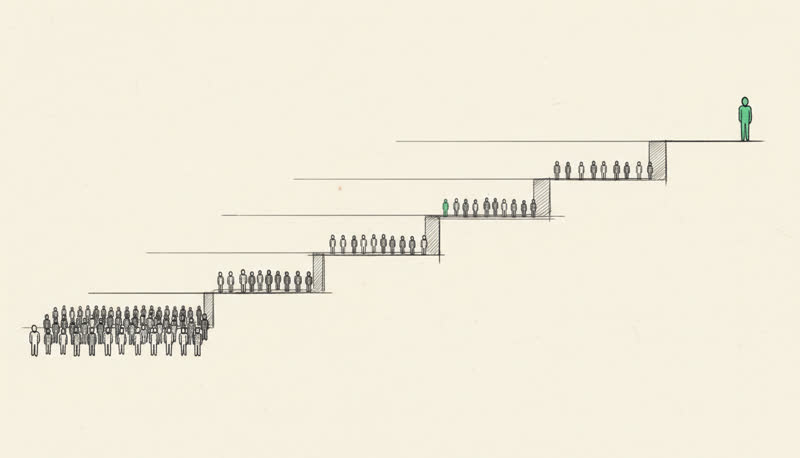
From $3 an hour of accepted chore footage to $100 an hour for a physician rating medical answers. Every number here is a published platform rate or a documented contributor report.
The three kinds of AI training work that actually exist, the pay bands each one carries, the platforms that hire, and the one kind you can do with no degree and a phone.
 Recruit